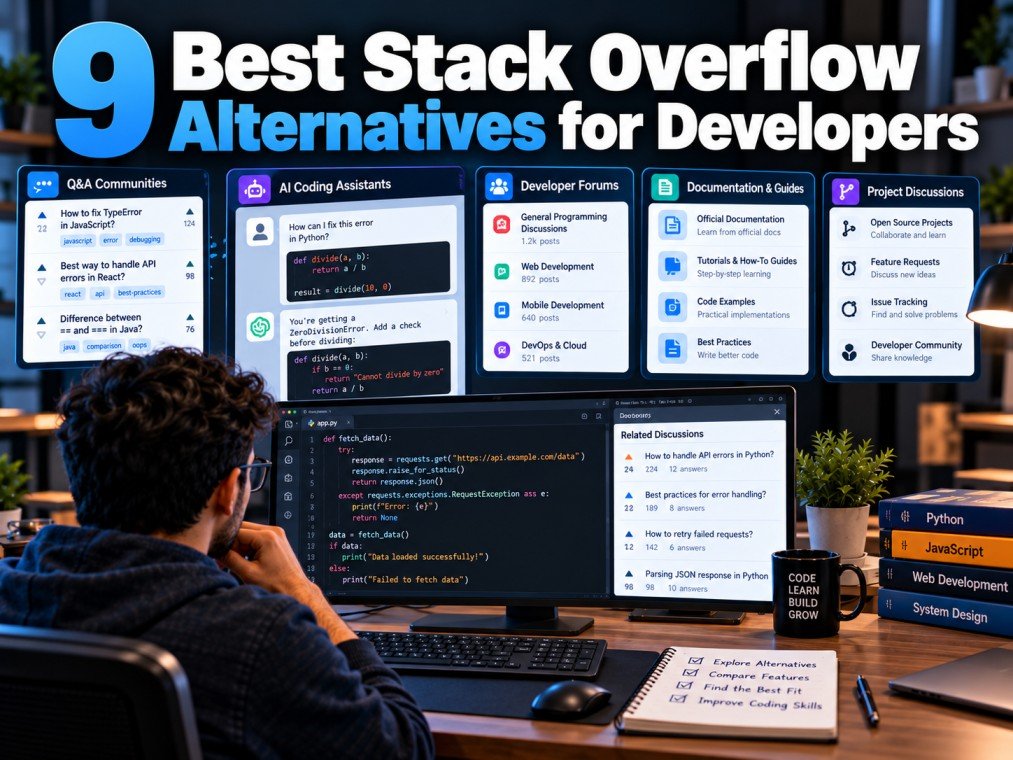
Finding the right solution to a coding problem can save developers hours of debugging. For many years, Stack Overflow has been a popular destination for programming questions, technical discussions, and code examples. However, it is not the only resource developers can use to troubleshoot errors, learn new technologies, or collaborate with other programmers.
Depending on the problem, developers may benefit from AI coding assistants, GitHub discussions, programming communities, official documentation, or real-time chat platforms.
In this guide, we explore the best Stack Overflow alternatives for programmers and developers, explain what each platform offers, and help you choose the right resource for your coding needs.
Table of Contents
ToggleWhy Look for Stack Overflow Alternatives?
Stack Overflow remains a useful resource, but different coding situations require different approaches.
Here are some reasons developers may explore other platforms:
- More interactive support: Some communities allow real-time conversations and follow-up questions.
- AI-assisted debugging: AI tools can explain errors, suggest fixes, and help generate example code.
- Project-specific discussions: Developers may find more relevant answers in a software project’s GitHub repository.
- Beginner-friendly learning: Tutorials and structured courses can be easier to follow than individual question-and-answer threads.
- Official technical information: Documentation provides authoritative details about programming languages, libraries, and frameworks.
The best alternative depends on whether you need a quick explanation, help with a complex bug, a learning resource, or feedback from experienced developers.
1. GitHub Discussions
GitHub Discussions is a useful option for developers who need help with a particular open-source project, framework, or software tool.
Unlike a general programming Q&A website, discussions are often connected directly to the project being discussed. This can make it easier to find information about project-specific features, configuration issues, and usage questions.
Key Features
- Discussions organized around individual repositories.
- Community conversations with maintainers and contributors.
- Questions and answers related to a project’s development.
- Connections to issues, pull requests, and project documentation.
Who Should Use It?
GitHub Discussions is particularly helpful when you are using an open-source library and need guidance from people familiar with its codebase.
Website: https://github.com/
2. Reddit Programming Communities
Reddit hosts programming communities where developers share experiences, discuss technical problems, and ask questions about software development.
Communities such as r/learnprogramming, r/programming, and language-specific subreddits can be useful for discovering learning resources, discussing development practices, and getting different perspectives.
Key Features
- Discussions about programming languages and tools.
- Advice from people with different experience levels.
- Recommendations for tutorials, books, and learning paths.
- Conversations about software development careers and industry trends.
Who Should Use It?
Reddit can be useful when you want opinions, learning advice, or a broader discussion rather than one definitive technical answer.
Remember that community replies may contain mistakes or personal opinions. Verify technical recommendations before using them in production code.
Website: https://www.reddit.com/
3. ChatGPT
ChatGPT can help developers understand programming concepts, investigate errors, review code, and explore possible solutions through a conversational interface.
Instead of searching through existing questions, you can describe your specific problem and provide relevant code or error messages. You can then ask follow-up questions to understand why a solution works.
Key Features
- Explanations of programming concepts.
- Help interpreting error messages.
- Suggestions for debugging steps.
- Code examples and alternative approaches.
- Assistance with tests, refactoring, and documentation.
Who Should Use It?
ChatGPT can be especially useful for beginners who need concepts explained step by step, as well as experienced developers who want to explore possible approaches quickly.
However, AI-generated code is not automatically correct. It may introduce bugs, overlook edge cases, or use outdated APIs. Test suggestions and verify important details against reliable documentation.
Website: https://chatgpt.com/
4. Official Documentation
Official documentation is one of the most important resources for solving programming problems. It explains how a language, framework, library, or API is intended to work.
For example, Python developers can consult the Python documentation, JavaScript developers can use MDN Web Docs, and web developers can reference official framework guides.
Key Features
- Authoritative explanations of language features and APIs.
- Installation and configuration instructions.
- Code examples and usage guidelines.
- Version-specific details and known limitations.
Who Should Use It?
Official documentation is particularly valuable when you need to confirm a function’s parameters, understand a breaking change, or verify whether a particular feature is supported.
Useful resources include:
- Python: https://docs.python.org/3/
- JavaScript and web technologies: https://developer.mozilla.org/
- React: https://react.dev/
- Java: https://docs.oracle.com/en/java/
Documentation may take time to understand, especially for beginners, but it should be one of your first stops when accuracy matters.
5. Discord Developer Communities
Discord provides real-time text and voice conversations through servers dedicated to programming languages, frameworks, tools, and development projects.
Some developer communities organize channels by topic, making it easier to find discussions about specific technologies.
Key Features
- Real-time conversations.
- Dedicated channels for different programming topics.
- Community events and learning groups.
- Opportunities to interact with other developers.
Who Should Use It?
Discord may suit developers who prefer interactive discussions or want to become part of a programming community.
The quality of support varies by server, and answers may not be as easy to search or reference later as well-organized Q&A pages.
Website: https://discord.com/
6. CodeProject
CodeProject is a long-running developer resource known for technical articles, tutorials, and programming discussions. Developers may find material covering application development, software engineering, and specific programming technologies.
Key Features
- Technical articles and tutorials.
- Code-focused learning resources.
- Explanations of implementation techniques.
- Content covering a range of development topics.
Who Should Use It?
CodeProject may be useful when you want a longer explanation of an implementation or want to explore how another developer approached a technical problem.
Before applying an example, check its publication date, compatibility with your environment, and whether the approach follows current security and development practices.
Website: https://www.codeproject.com/
7. GeeksforGeeks
GeeksforGeeks provides programming tutorials, data structure and algorithm explanations, computer science concepts, and coding practice resources.
It can be useful for learners who want a structured explanation rather than an isolated answer to a specific error.
Key Features
- Programming tutorials and examples.
- Data structures and algorithms.
- Computer science fundamentals.
- Coding practice and interview preparation resources.
Who Should Use It?
Students, beginners, and developers preparing for coding interviews may find it particularly helpful.
As with any third-party tutorial, compare code examples with official documentation and test them in your own environment.
Website: https://www.geeksforgeeks.org/
8. Stack Exchange Communities
Stack Exchange is the wider network that includes Stack Overflow and other specialized question-and-answer communities.
Although Stack Overflow focuses on programming, other communities address topics such as databases, mathematics, system administration, and software-related areas.
Key Features
- Topic-specific question-and-answer communities.
- Structured questions and answers.
- Community voting and moderation.
- Searchable discussions focused on defined subjects.
Who Should Use It?
Developers working on problems outside general programming may find a more suitable community within the Stack Exchange network.
For example, database questions may fit a database-focused community better than a general programming discussion.
Website: https://stackexchange.com/
9. AI Coding Assistants
In addition to general-purpose chatbots, developers can use AI coding assistants designed to help with code completion, editing, repository exploration, and development workflows.
Examples include GitHub Copilot and other AI-powered development tools. Their capabilities and integrations vary by product and plan.
Key Features
- Context-aware code suggestions.
- Assistance with repetitive coding tasks.
- Help understanding and editing existing code.
- Support within compatible development environments.
Who Should Use Them?
AI coding assistants can help developers work more efficiently when writing, reviewing, or modifying code.
They are not replacements for understanding the application. Review suggested changes, run tests, check dependencies, and avoid sharing secrets or confidential code with tools unless permitted by your organization’s policies.
GitHub Copilot: https://github.com/features/copilot
Stack Overflow vs Its Alternatives: Quick Comparison
| Platform | Best For | Main Advantage |
|---|---|---|
| GitHub Discussions | Open-source projects | Project-specific conversations |
| Community advice | Multiple perspectives | |
| ChatGPT | Explanations and debugging assistance | Interactive follow-up questions |
| Official documentation | Technical verification | Authoritative reference material |
| Discord | Real-time community support | Live conversations |
| CodeProject | Technical articles | Longer implementation explanations |
| GeeksforGeeks | Learning programming | Tutorials and coding practice |
| Stack Exchange | Specialized technical topics | Focused Q&A communities |
| AI coding assistants | Coding workflows | Integrated coding assistance |
These platforms serve different purposes, so the best choice depends on your specific task rather than popularity alone.
How to Choose the Right Stack Overflow Alternative
Before choosing a platform, consider what you need to accomplish.
For Fixing a Specific Coding Error
Start by reading the complete error message and reproducing the problem. Search relevant documentation and existing discussions. An AI assistant can also help you interpret the error and suggest debugging steps.
For Learning a Programming Language
Use structured tutorials, official documentation, and practice exercises. GeeksforGeeks and beginner-focused Reddit communities can supplement your learning.
For Open-Source Project Questions
Check the project’s documentation, GitHub Issues, and GitHub Discussions. These sources may provide context that general programming forums cannot offer.
For Quick Explanations and Code Suggestions
A conversational AI assistant can help explain unfamiliar code or suggest possible fixes. Verify the result by testing it and checking the relevant API documentation.
For Complex or Security-Sensitive Problems
Use multiple sources. Consult official documentation, inspect the actual code, and seek qualified human review when needed. Do not rely on a single community answer or an unverified AI suggestion.
How to Get Better Results From Any Programming Help Platform
Regardless of which platform you choose, the way you describe your problem affects the quality of the response.
Follow these practical tips:
- Describe the problem clearly. Explain what you expected to happen and what happened instead.
- Include a minimal code example. Remove unrelated code while keeping enough information to reproduce the issue.
- Share the exact error message. Avoid paraphrasing technical errors when the original text is available.
- Mention your environment. Include relevant language versions, frameworks, operating systems, and dependencies.
- Explain what you have tried. This helps others avoid suggesting steps that have already failed.
- Verify the solution. Run tests and confirm that the fix addresses the underlying problem.
- Protect private information. Remove passwords, access tokens, personal data, and confidential business details before sharing code.
These habits make technical questions easier to understand and help you evaluate answers more effectively.
Frequently Asked Questions
What is the best alternative to Stack Overflow?
There is no single best alternative for every developer. GitHub Discussions is useful for open-source project questions, ChatGPT can help with interactive explanations, official documentation is ideal for verifying technical details, and Reddit can provide community perspectives.
Is ChatGPT better than Stack Overflow for coding?
ChatGPT offers conversational assistance and can adapt explanations to your questions. Stack Overflow provides existing answers, community-reviewed discussions, and technical examples. Comparing both with official documentation is often more effective than relying on either one alone.
Which Stack Overflow alternative is best for beginners?
Beginners can combine structured tutorials, official documentation, GeeksforGeeks, and an AI assistant for explanations. Community forums can also help, especially when questions include clear code examples and error messages.
Is Stack Exchange the same as Stack Overflow?
No. Stack Exchange is a network of topic-specific question-and-answer communities, and Stack Overflow is one community within that network, focused primarily on programming.
Should developers trust AI-generated code?
AI-generated code should be treated as a suggestion, not a guarantee. Test it, check for edge cases, review security implications, and confirm that the APIs and dependencies are appropriate for your project.
Conclusion
Stack Overflow remains a valuable programming resource, but developers have many other ways to solve technical problems and learn new skills.
GitHub Discussions can help with open-source projects, ChatGPT can explain code interactively, official documentation provides authoritative technical details, and communities such as Reddit and Discord offer opportunities to learn from other developers.
The most effective approach is to choose the resource that matches your problem, verify important information, and test every proposed solution before using it in a real project.
By combining community knowledge, reliable documentation, and responsible AI assistance, developers can build a more effective workflow for learning, debugging, and writing better code.